





ADaMViz SubmissionSync is an proof of concept for review-ready clinical visualizations and reproducible R code from permitted ADaM or tabular data. It is designed for validated clinical submission workflows; it is not FDA validated or FDA approved.
Live app: Open ADaMViz SubmissionSync
Try the app with sample data: Download adlb-standard.csv
Save the synthetic sample CSV, then upload it in the app’s Data step.
Workflow video:
Download the full workflow video (MP4, 23.3 MB)
Prototype preview:
Development status
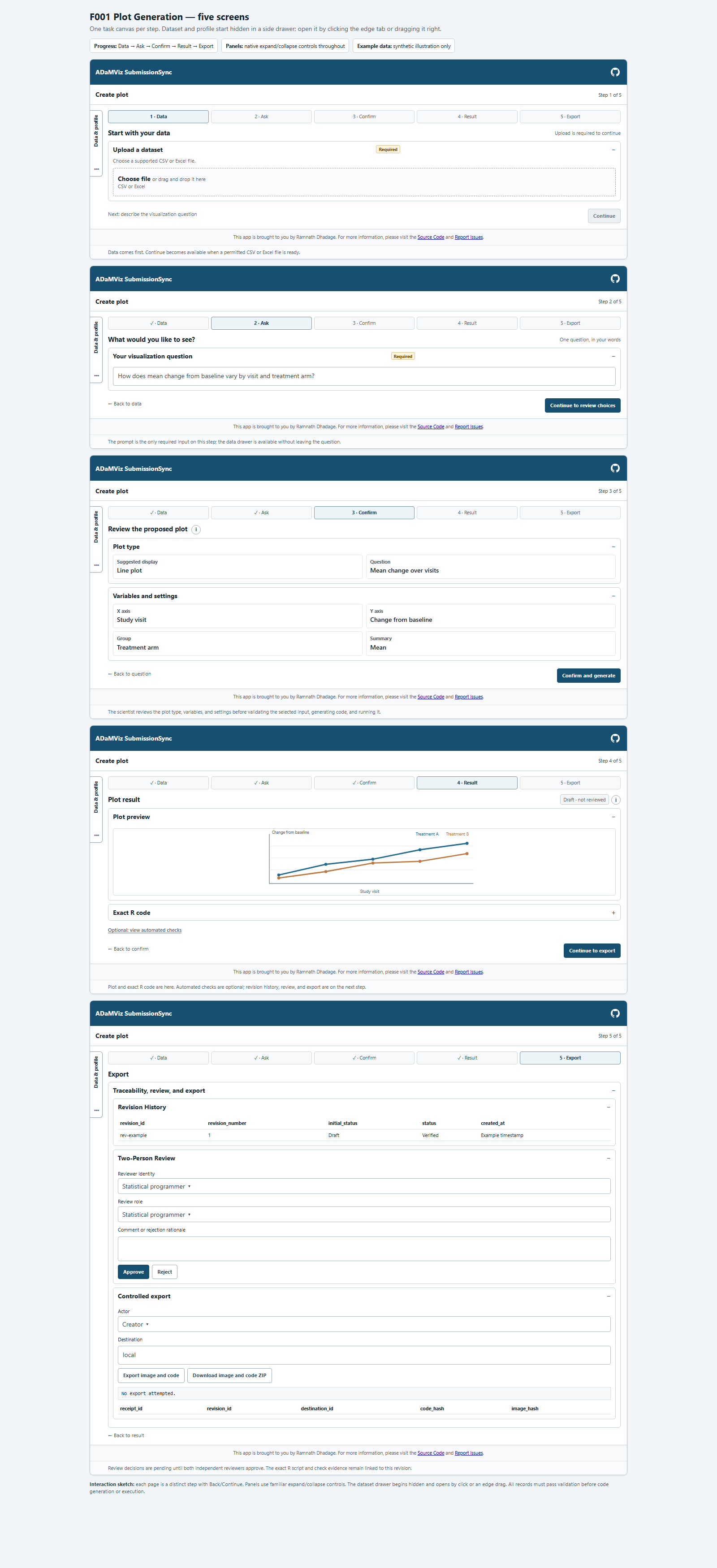
ADaMViz SubmissionSync is an experimental proof of concept supporting Data → Ask → Confirm → Result → Export. The current implementation supports CSV/Excel input, longitudinal BDS boxplots, generated R scripts, local execution evidence, human review, and controlled export of Reviewed revisions. Plotting choices currently come from data and user selections; natural-language interpretation is not connected to the active workflow.
🚀 Installation
You can install the development version of ADaMViz.SubmissionSync from GitHub:
# Install pak if you haven't already
if (!requireNamespace("pak", quietly = TRUE)) {
  install.packages("pak")
}

# Install ADaMViz.SubmissionSync
pak::pak("Ramdhadage/ADaMViz.SubmissionSync")
Run locally
The package is intended to run from a locked renv environment:
After changing application source or CSS, restart R and run devtools::install() from the RStudio Console at the repository root before launching app.R. The launcher uses the installed package.
Provider credentials and secret values must remain outside source files, prompts, logs, generated scripts, and retained evidence.
Controlled exports are addressed by logical workspace identifiers. A local POC workspace export writes a detached plot.png and script.R pair only after the accepted artifact hashes, acting user, revision token, destination, and final file hashes are rechecked. The receipt stays inside the internal evidence store.
📚 Documentation
For more detailed information and usage examples, please refer to the package documentation.
🤝 Contributing
Contributions are welcome! Please feel free to submit a Pull Request or open an Issue on our GitHub repository.